
What Human-Centric Lighting means in a project context
Human-Centric Lighting is often used to describe a design approach that considers people and their tasks alongside the visual environment. In a workplace, it can bring together daylight, electric light, timing, controls and user experience. It should not be treated as a single product feature or a preset sequence of colour temperatures.
The most useful project conversation begins with the space: who uses it, what they need to see, when it is occupied, how daylight enters, and how much individual or group control is appropriate. It then considers the electrical, control and commissioning implications. This makes room for Human-Centric Lighting without losing sight of the fundamentals of lighting design.
Visual comfort remains fundamental
Good task visibility, appropriate distribution, glare control, contrast, colour quality and maintainable performance remain central. A tunable-white system cannot compensate for poor placement, unsuitable luminance or inadequate control of daylight. The project team should first define the visual tasks and the range of settings required by the people using the space.
Visual comfort also depends on architecture and interiors: surface reflectance, view direction, screen use, furniture layouts, partitions and daylight all influence the result. Calculations, sample areas and mock-ups can help test assumptions before the whole workplace is committed.
Tunable white and changing light throughout the day
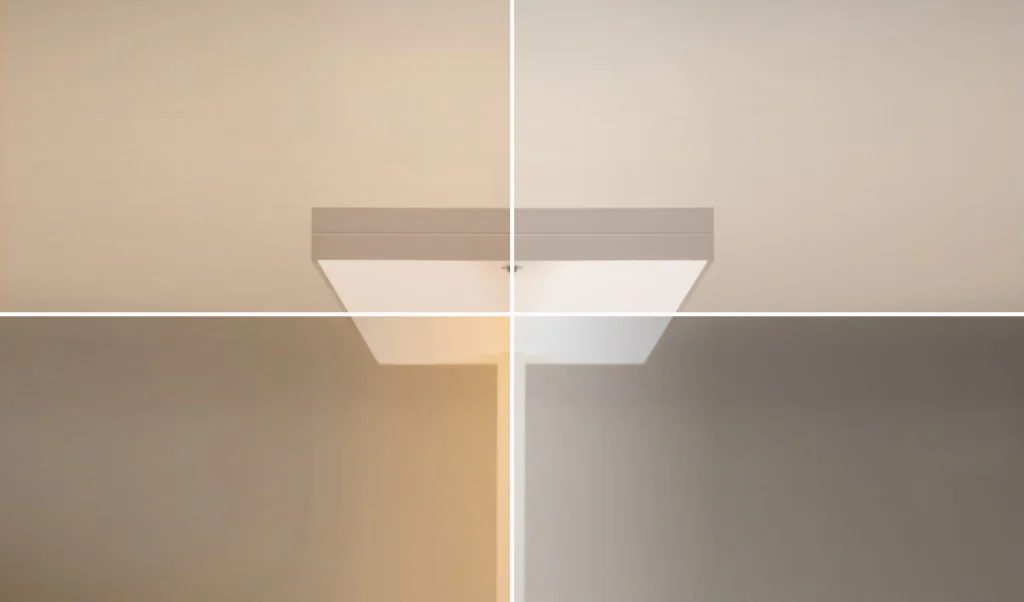
Tunable white describes the controlled adjustment of correlated colour temperature, usually from warmer to cooler white light within the capability of the selected equipment. It may be useful where a project needs different lighting scenes or where the designer wants the flexibility to tune an environment over time. It does not automatically create a Human-Centric Lighting scheme or a health outcome.
Decisions about scenes should reflect occupancy patterns, daylight availability, task changes, operational hours and user feedback. They also need to be usable after handover. A simple, well-commissioned set of scenes can be more appropriate than a complex schedule nobody understands or maintains.
Lighting controls and DALI
Controls are the link between intent and day-to-day operation. DALI can support addressing, grouping, scene recall and input devices when it is designed, commissioned and documented as a system. For colour control, the DALI Alliance identifies colour-temperature control as Tc and relates it to IEC 62386 Part 209, also known as Device Type 8 (DT8).
That technical capability should be checked against the control architecture, drivers, sensors, user interfaces, emergency strategy and commissioning plan. Compatibility cannot be assumed from a product name alone. The DALI Alliance guidance on colour control is a useful primary reference when defining this part of the brief.
Non-visual effects and the need for careful claims
Light has visual and non-visual effects, and the CIE notes that timing, intensity and spectrum are relevant to the biological clock. That evidence does not justify a medical promise for a workplace luminaire or a guarantee of wellbeing, productivity or sleep. The result depends on exposure, occupants, daylight, behaviour and the complete environment.
For this reason, project language should remain specific: describe intended lighting scenes, visual conditions, control capability and the evidence to be reviewed. Where a project follows a wellbeing or certification framework, its exact version and applicable requirements should be considered by the appointed specialists.
Integrating Human-Centric Lighting into workplace design
A coordinated workplace approach may include daylight analysis, electric-light calculations, glare review, scene design, user controls, commissioning and a handover plan. It should also include a plan for changing layouts and maintaining sensors, drivers and control settings. Teams can then decide whether tunable white provides useful flexibility for the actual project.
Information required before selecting a solution
- Tasks, occupancy hours and the activities that change during the day.
- Daylight conditions, façade control and screen-based work.
- Required visual criteria and the basis for calculations.
- Control zones, sensors, user interfaces, scenes and commissioning responsibility.
- Product-specific photometry, driver capability, maintenance and integration constraints.
How CAPALIGHT and Radian support the project conversation
CAPALIGHT can coordinate project information and manufacturer discussions through its specification-support service. Radian and its TREMA range are relevant examples for a workplace lighting conversation; their documented configuration and suitability must be reviewed for the chosen project. See the official TREMA information from Radian and the Radian website.
Sources and further reading
Discuss a workplace lighting brief
Share the project context, control expectations and available information with CAPALIGHT.
Discuss your project